

01 / Find
Find the barriers blocking access.
Review websites, PDFs, documents, forms, and critical workflows to identify rule-based accessibility failures and the user tasks they can interrupt.

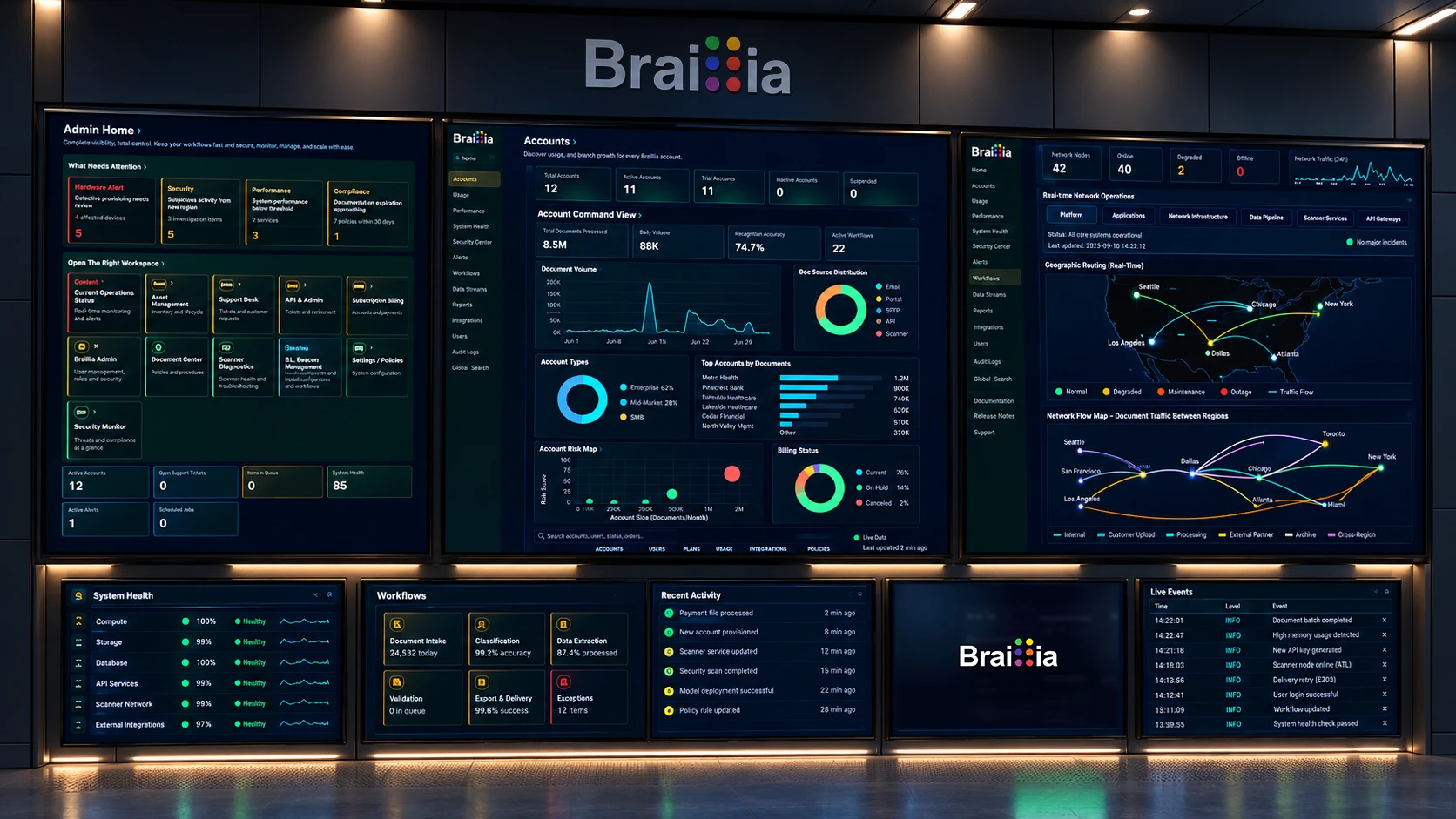
Braillia infrastructure in a blue-lit data center aisle, representing secure connected accessibility delivery.
Platform overview · Braillia
Braillia connects accessibility assessment and remediation, user-controlled website tools, AI-assisted document processing, interactive assistance, and organizational evidence in an enterprise accessibility platform. It helps organizations make websites, documents, forms, and digital experiences accessible to people with disabilities, with ways to perceive, navigate, understand, and use information independently.Through the Braillia Portal, browser tools, APIs, and secure delivery workflows, organizations can extend their existing systems with accessible formats and interactive experiences. Deliver information in formats including eBraille, EPUB, DAISY, and responsive HTML. Ask Braillia helps people explore document-grounded answers, while Guided Forms supports entering and reviewing responses. Text, keyboard, touch, and voice offer different ways to interact where supported.
Braillia connects the technology organizations need to make information accessible with the experiences people need to understand and use it. The platform brings together accessibility assessment and remediation, document transformation, source-grounded AI assistance, guided forms, and connected delivery across organizational systems and user-facing experiences.
For organizations, that means a connected path from source information to accessible communication: identify barriers, prepare accessible content, validate outputs, and deliver through the channels their workflows require. Administrative controls, processing records, and access evidence support oversight throughout that process.
For the person receiving the information, access extends beyond opening a file. They can read or hear information in an accessible format, ask questions about the document through Ask Braillia, review its instructions and deadlines, or enter and review responses through Guided Forms. Voice, keyboard, and touch provide different ways to interact with these experiences.
Capabilities can be deployed individually or connected into a broader workflow. Organizations can use accessible outputs in their own systems, integrate Braillia through APIs, or provide access through the Braillia Portal and browser tools without replacing the systems they already use.
Braillia Enterprise · The connected accessibility platform
Testing and remediation, personal website support, document transformation, delivery, and document assistance have different jobs. Choose a focused starting point or connect them through the Braillia Portal and APIs.
| Capability | Where it helps | Explore |
|---|---|---|
| Braillia Resolve | Find website and document barriers, prioritize repairs, and review verification evidence. | Explore Braillia Resolve |
| Braillia Adapt | Give website visitors personal controls for reading, display, navigation, focus, and supported assistance. | Explore Braillia Adapt |
| Braillia Transform | Prepare document structure and accessible formats people can use with compatible technology. | Explore Braillia Transform |
| Braillia Access | Share prepared documents through QR or consent-based SMS links to browser-based access. | Explore Braillia Access |
| Ask Braillia | Explore questions and summaries grounded in prepared document information. | Explore Ask Braillia |
Organizational controls, processing records, validation evidence, and integration requirements connect these capabilities. Your implementation scope determines which services, delivery paths, and user experiences are enabled.
Platform operating model
Braillia connects assessment, remediation, document transformation, validation, independent accessible outputs, embedded website support, delivery, and organization controls. Customers can begin with one capability and connect the rest as their accessibility operating model grows.
Five platform capabilities
Each implementation uses the capabilities its access outcome requires. Braillia can assess a website, transform documents, create independent accessible outputs, support visitors inside an approved site, or connect information to guided delivery. The platform keeps those paths consistent as organizations bring them together.
01 / Find
Review websites, PDFs, documents, forms, and critical workflows to identify rule-based accessibility failures and the user tasks they can interrupt.
02 / Transform
Repair and organize source material into meaningful structure, reading order, relationships, labels, actions, and accessible outputs people and assistive technology can use.
03 / Verify
Keep source anchors, structure, validation results, provenance, review status, and appropriate evidence connected to the transformed information.
04 / Deliver
Use accessible HTML, EPUB, eBraille, TXT, and PDF independently, or add embedded website support, direct delivery, QR pickup and SMS text delivery, Portal, mobile access, and Braillia AI.
05 / Operate
Connect approved websites, Portal workspaces, organization controls, APIs, and legacy communication systems to repeatable accessibility workflows.
How organizations use it
Begin with a Portal-managed document workflow, an approved website, or a scoped connection to an existing system. Add administration, delivery, and repeatable operations as the implementation expands.
Explore API IntegrationTeams can process documents, choose accessible outputs, preserve workflow evidence, and add direct delivery, QR pickup, or SMS text delivery when the communication needs a guided destination.
Organizations can connect existing document, billing, case, CRM, benefits, and communication systems to defined transformation and delivery workflows while the source platform remains in place.
Add Braillia's hosted accessibility web app to approved websites and configure the visitor experience, placement, branding, and available support tools.
Authorized administrators can manage users, roles, approved sites, branding, subscriptions, workflow access, delivery controls, and organization-level settings.
Enterprise system boundary
An organization can begin with one approved statement, notice, form, or recurring communication. Braillia fits around the source and destination defined for that implementation, so the existing system can remain in place while the requested information becomes accessible and usable.
Every API, schema, security boundary, output, and service level is defined for the approved customer workflow.
Trust and operational control
Braillia is designed for organizations that handle sensitive communication and need a clear operational model for secure delivery, role-based access, retention-aware workflows, and evidence that accessible communication can be managed at scale.
Review Platform SecurityPrimary references
These official resources explain the technical accessibility foundation and the components that must work together. Braillia applies that principle to the operational path from source information to usable access.
Buyer questions
Government and business teams can begin with one accountable workstream, then expand the operating model only when another accessibility responsibility requires it.
Braillia is an accessible information platform spanning website and document assessment, remediation, structured outputs, embedded website support, Portal and API workflows, direct, QR, and SMS delivery, organization controls, and Braillia Portal. Each capability can be applied where the workflow requires it.
Braillia Document Processing reconstructs critical documents and communications as structured accessible outputs with source anchors and validation evidence. Those outputs can work independently across existing systems and assistive technology or connect to secure delivery, Braillia AI, and guided mobile access.
Braillia Embedded Accessibility App is a separate website support product within the broader accessibility solutions platform. It adds a hosted support panel to approved websites, while remediation fixes accessibility issues and on-demand delivery transforms prepared information into mobile access.
Braillia AI supports much of the system, including document structuring, document-grounded questions, summaries, reminders, important detail detection, mobile guidance, and assisted delivery workflows.
Braillia is designed for organizations handling important customer, patient, resident, student, member, or employee information across industries such as healthcare, utilities, government, finance, education, and service-heavy operations.
Braillia Company Admin gives authorized administrators tools to manage users, roles, account settings, organization branding, subscription access, remediation workflows, mobile delivery access, evidence, and document delivery controls from a secure organization workspace.
Braillia Enterprise connects Resolve for testing and remediation, Adapt for personal website support, Transform for accessible formats, Access for document delivery, and Ask Braillia for document-grounded assistance. Organizational controls and APIs support a connected implementation around the systems and access needs you already have.
Bring Braillia one website, document, form, recurring communication, or legacy output and identify the practical first implementation path.