
Access starts where the document starts
When a bill, notice, statement, packet, or service message is created, the same workflow can trigger Braillia remediation, accessible structure, and delivery in real time.
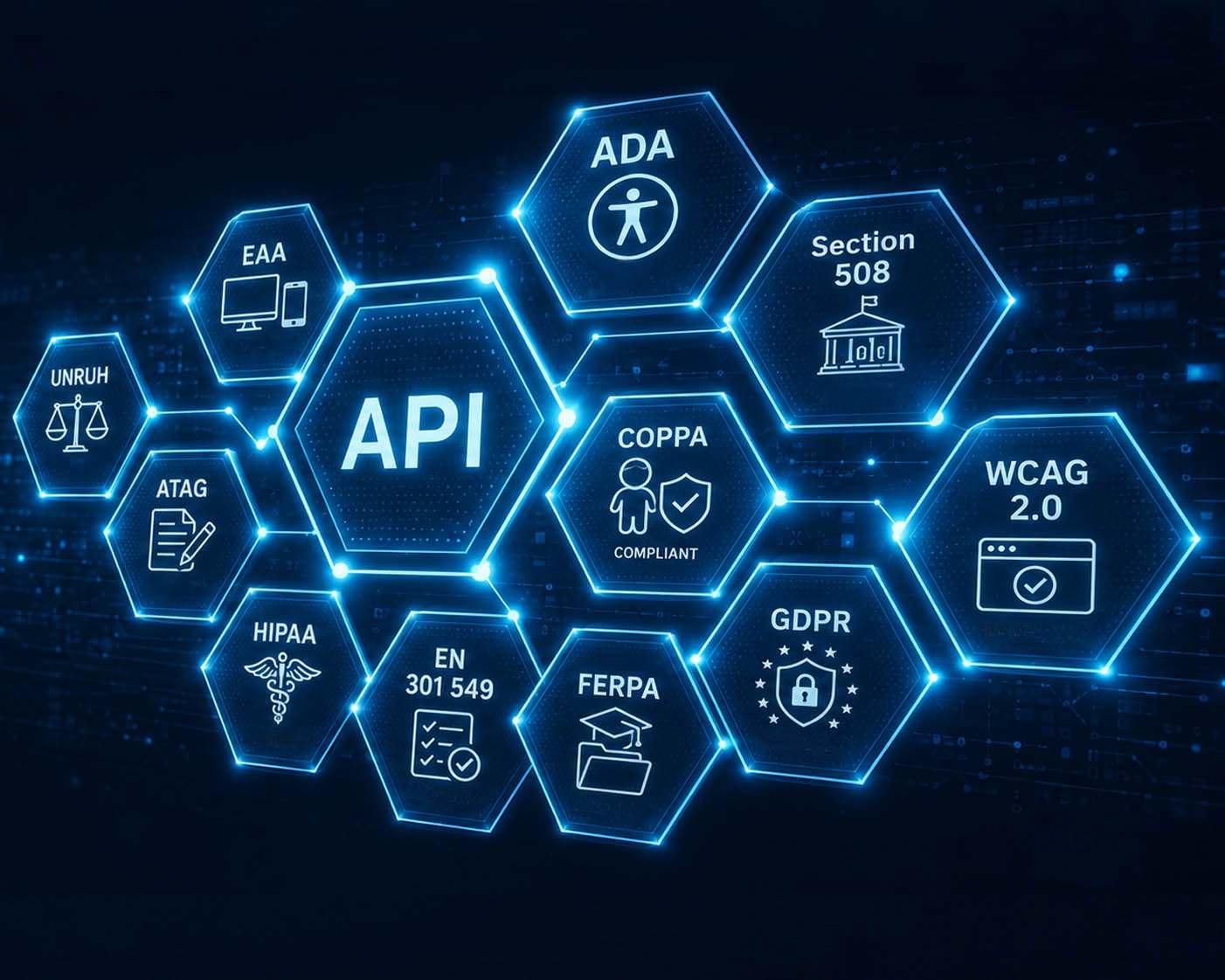
Digital API network graphic showing connected compliance and privacy standards including ADA, Section 508, WCAG, EN 301 549, HIPAA, GDPR, FERPA, and EAA.
API and integrations
Braillia API integration helps billing, healthcare, CRM, government, education, insurance, and customer communication systems trigger remediation, accessible structure, secure delivery, voice-guided mobile access, Braillia AI assistance, reminders, and user action.
Integration path
Braillia API integration connects existing organizational systems to document remediation, secure accessibility delivery, mobile delivery and pickup, and guided independent access.
Why APIs matter
Accessibility teams need usable outcomes. Systems teams need clean boundaries, predictable workflows, and fewer exceptions. Braillia API integration connects those needs by moving critical communication into a controlled remediation, accessibility, and delivery path for real-time accessible information.
When a bill, notice, statement, packet, or service message is created, the same workflow can trigger Braillia remediation, accessible structure, and delivery in real time.
APIs move document accessibility into an operational flow, reducing one-off requests, delayed alternate formats, remediation handoffs, and support escalations.
Billing, healthcare, CRM, government, education, insurance, and customer communication platforms keep doing their job while Braillia handles remediation-to-access workflow delivery.
Connected systems
Source systems keep producing the communication. Braillia receives the trigger, supports remediation and accessible structure, coordinates secure delivery, and helps users receive, understand, ask about, save, and act on the information through the browser-based Braillia Portal.
Automation surface
The value comes from moving the right document, remediation context, metadata, and access path into a mobile experience where a person with a disability can understand what matters and what comes next.
Technical confidence
A useful document accessibility API has to reassure both sides of the house: the people accountable for usable access, and the people accountable for secure, reliable system operations. Braillia fits as controlled accessibility infrastructure that preserves established systems and operating responsibilities.
Braillia acts as the document accessibility and delivery infrastructure around existing systems of record, communication tools, and operational workflows.
Documents, messages, metadata, remediation state, reminders, direct delivery, QR pickup, and SMS text delivery can flow through one defined Braillia path.
Status-oriented workflows help teams understand when information has entered Braillia and moved toward mobile user access.
Company Admin gives authorized teams a place to manage users, roles, branding, subscription access, and delivery controls.
The integration story connects directly to Braillia’s platform security, privacy, governance, and controlled-access narrative.
Braillia AI can support document structuring, summaries, important detail detection, reminders, and document-grounded assistance inside the access experience.
Technical evaluation path
Every implementation is source-specific. A useful evaluation defines what enters, what Braillia returns, how the workflow is protected, who operates it, and what proves the result works.
What information enters Braillia, and what event starts the workflow?
An approved source, trigger, volume assumption, tenant context, and ownership boundary.
Which accessible formats and user outcomes must the integration produce?
Required structure, outputs, delivery destination, validation evidence, and acceptance criteria.
How should identity, access, sensitive content, retention, and evidence be controlled?
A reviewable security, privacy, tenant, access, retention, and audit boundary for the scoped workflow.
How will systems observe success, failure, retry, and human review?
Defined status ownership, error handling, operational visibility, escalation, and support responsibilities.
What proves the first workflow works before additional systems connect?
Synthetic test inputs, accessible-output review, user outcome checks, security approval, and a controlled expansion decision.
Responsibility boundary
The exact contract is defined for the approved source and use case. The evaluation should make ownership visible before data moves between systems.
Buyer questions
Government and business teams can begin with one accountable workstream, then expand the operating model only when another accessibility responsibility requires it.
The Braillia API helps organizations connect existing systems to document accessibility, remediation, and real-time accessible delivery workflows, including documents, messages, direct delivery, QR pickup and SMS text delivery, reminders, metadata, and mobile access.
Braillia fits around billing, healthcare, CRM, government, and communication workflows already in use, adding document accessibility and delivery infrastructure while the source platforms remain in place.
Braillia AI supports document structuring, summaries, important detail detection, reminders, and Braillia AI Personal Assistant experiences after information enters the Braillia network.
API integration makes remediation and accessibility part of the operational workflow, giving teams a real-time path for usable access and reducing dependence on manual fulfillment.
Systems teams can keep existing platforms in place while connecting documents, messages, metadata, remediation status, reminders, and delivery status into controlled document accessibility infrastructure.
Bring the source, trigger, required accessible outcome, system boundary, and reviewers. Braillia will help shape a source-specific evaluation path that extends your system of record.