What should we review when evaluating Braillia Access?+
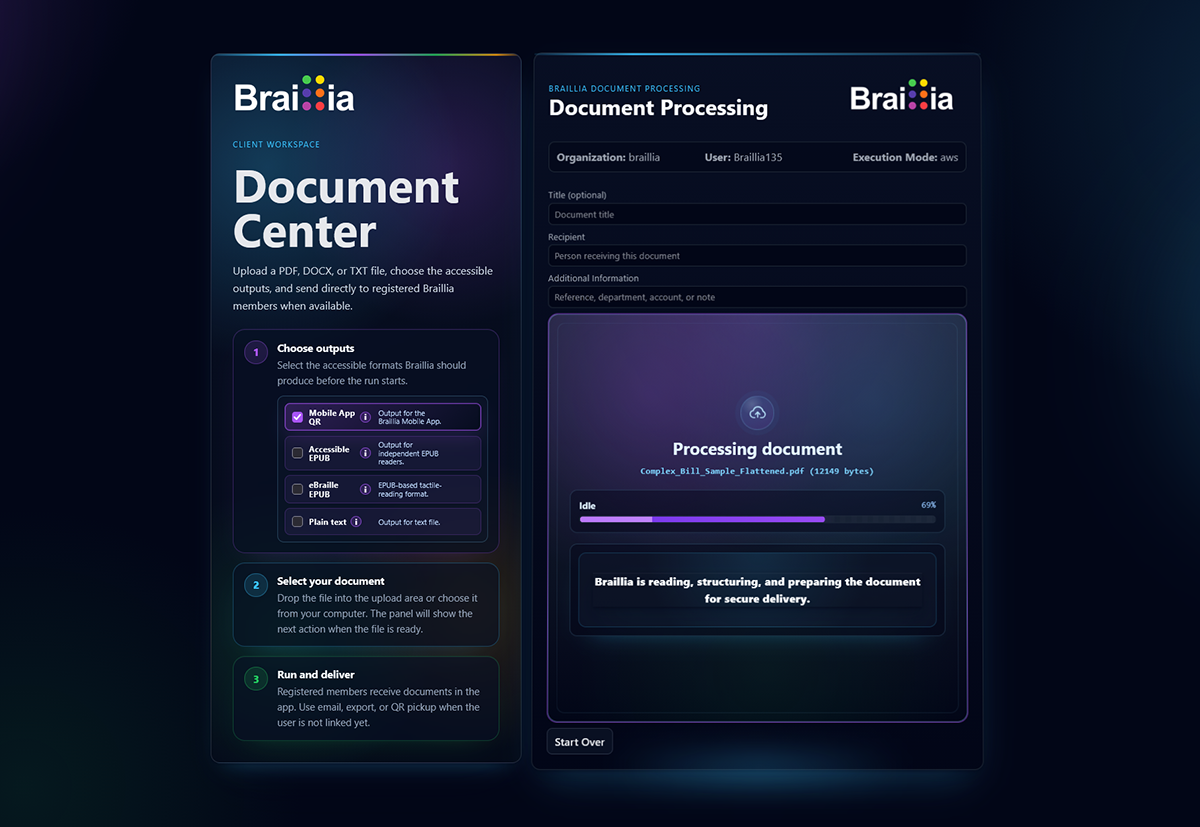
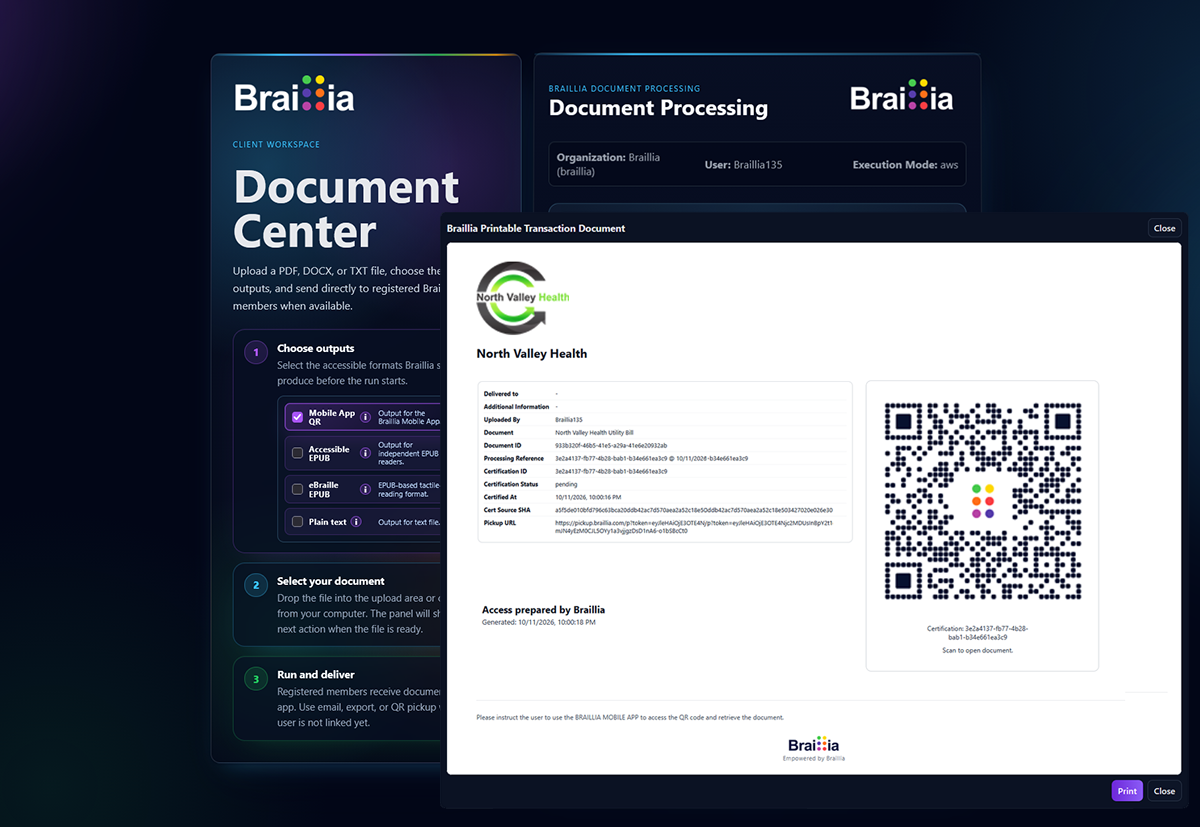
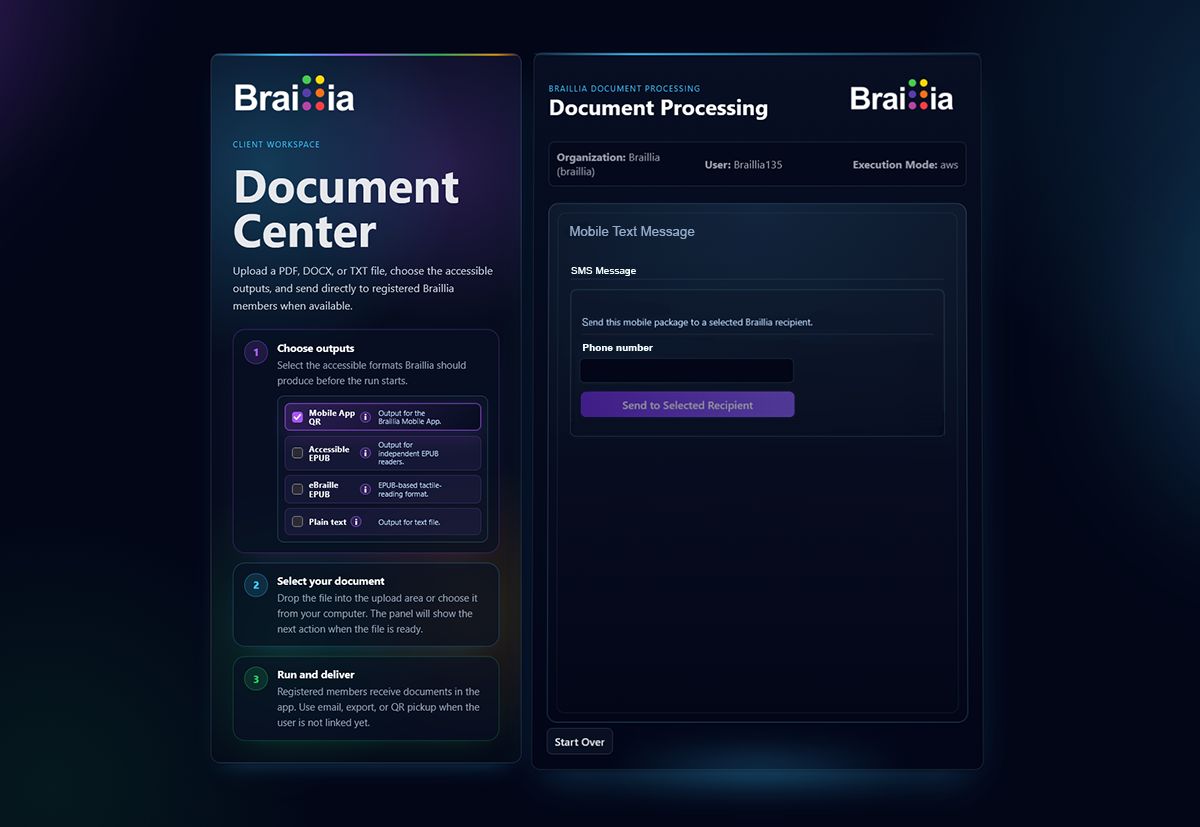
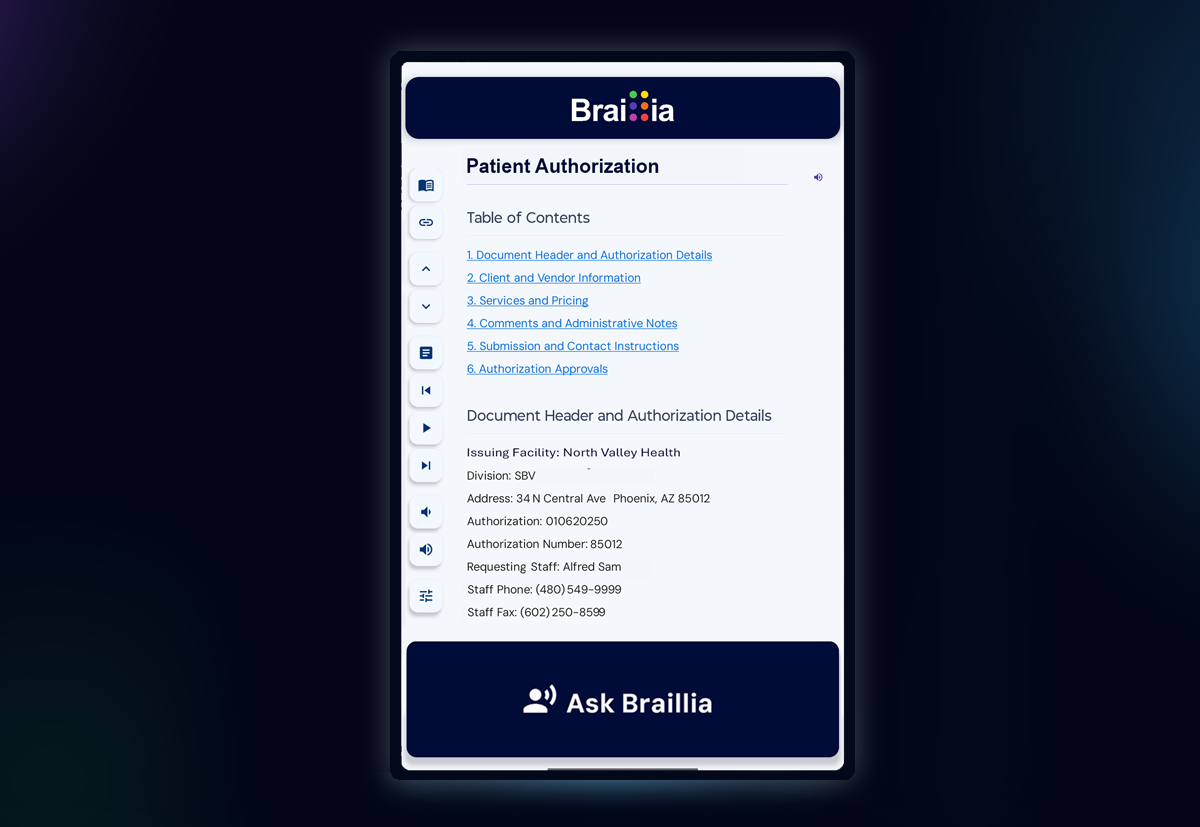
Follow a representative document from the staff workflow to the recipient's browser. Review QR pickup and optional SMS delivery, the recipient's separate SMS consent, document access requirements, and the reading experience. Confirm who prepares the content and who owns each delivery and support step.
How does Braillia Access deliver documents on demand?+
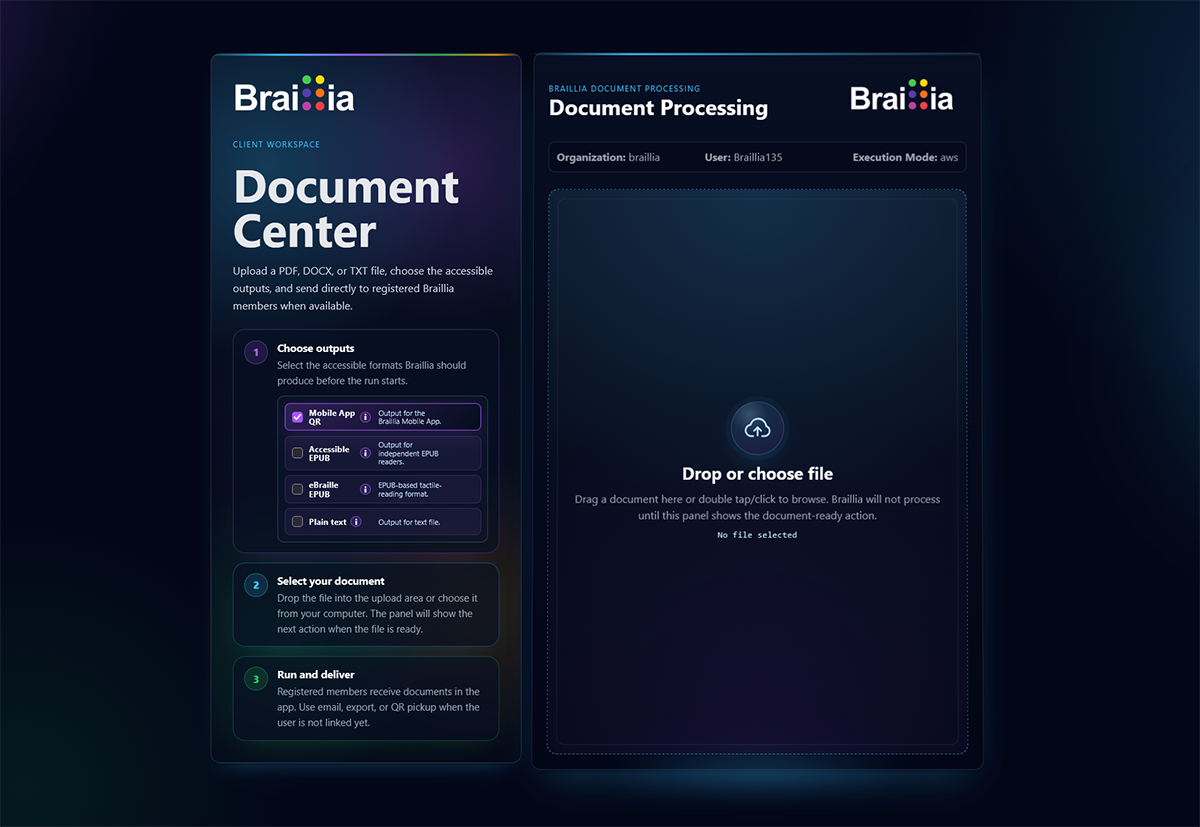
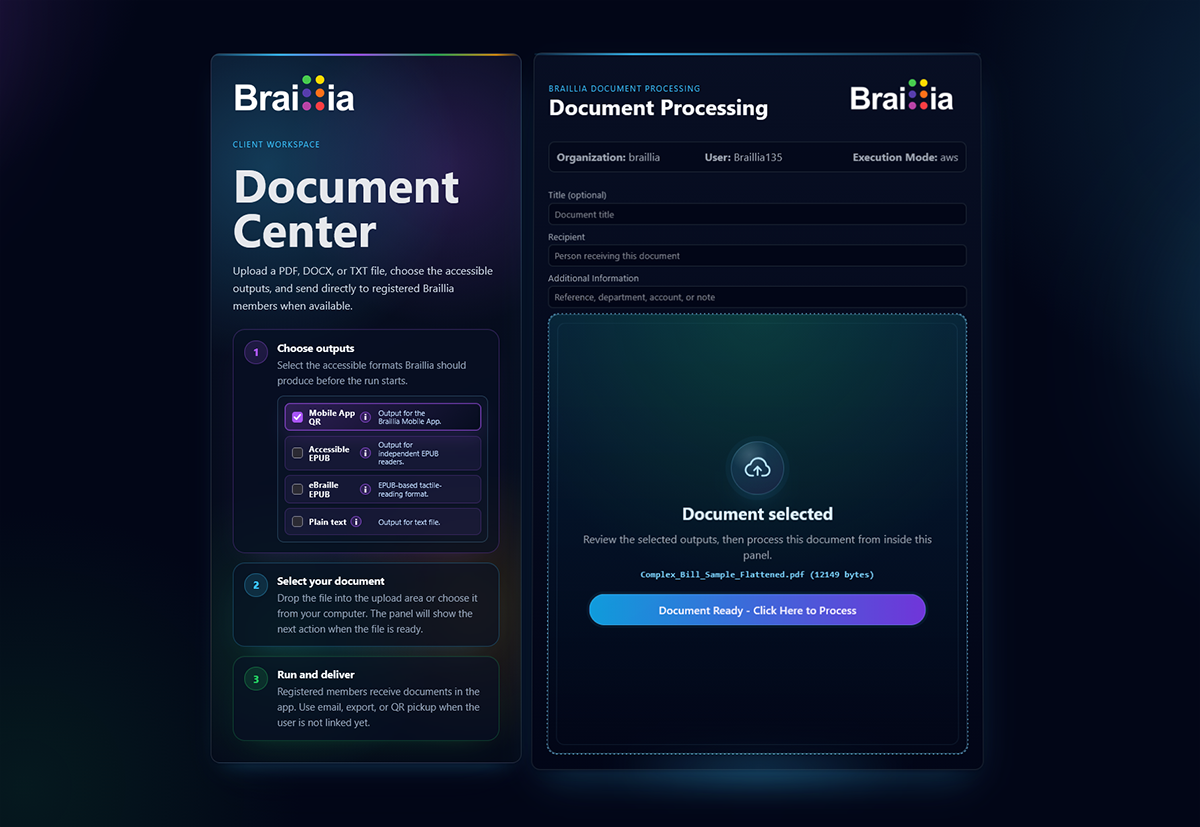
Your organization makes a document available through Braillia. Its information can be processed into accessible formats ahead of time or when access is requested, then provided through QR pickup, SMS text delivery, your website, or direct delivery. People can use the Braillia Portal to hear and navigate the document in the Braillia EPUB Reader or ask questions about its information with Ask Braillia.
How does SMS document delivery work?+
Your organization sends a document-access link by SMS text message directly to the person’s phone. The person opens the link in their mobile browser to reach the Braillia Portal, then uses the Braillia EPUB Reader or Ask Braillia to explore the document. Any sign-in or recipient-access steps required by the organization still apply.
Do SMS recipients need to install an app or scan a QR code?+
No. The SMS contains a link that opens the browser-based Braillia Portal. The person can reach the document from the text message without installing a mobile app or scanning a QR code. The organization’s access requirements may still apply to that document.
What makes QR pickup different from simply sending an accessible file?+
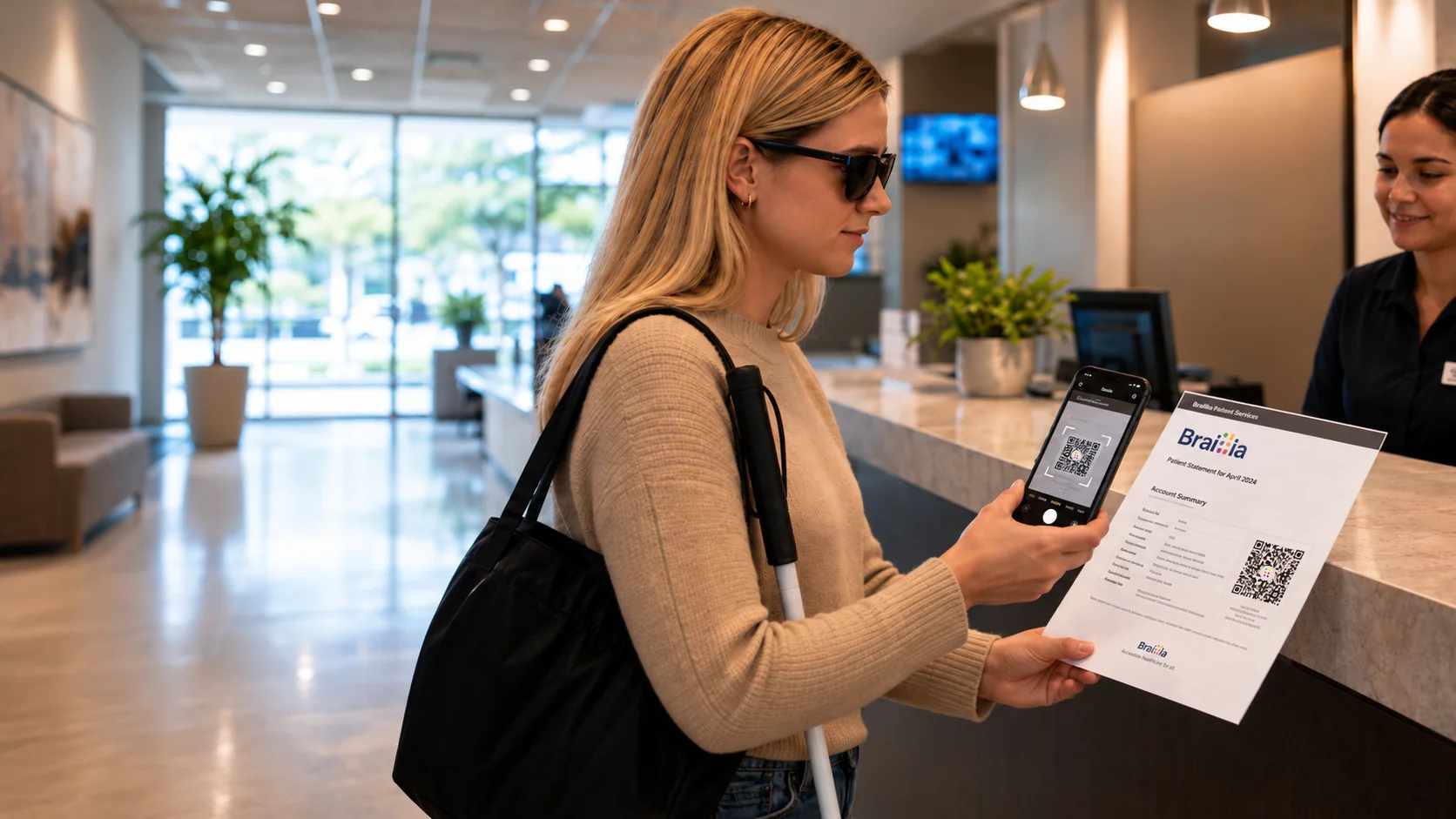
QR pickup connects accessible document access to the moment the organization provides the information. The person can move from receiving a document to exploring its content on their own device during the same interaction. Braillia provides the processing and guided experience behind that access, rather than only a link to a downloadable file.
What happens after someone scans the QR code?+
Their mobile camera opens a link to the Braillia Portal in their browser. After any access steps required for that document, they can open its accessible content and use the available Reader and Ask Braillia features. The QR code connects to the organization-provided document. It is not a requirement to photograph and reconstruct each page.
Does someone need to install a separate app first?+
No. QR pickup and SMS document links open the browser-based Braillia Portal. Installing a mobile app is not a prerequisite. Sign-in or recipient setup may still be required for the organization’s particular delivery workflow.
What kinds of documents can use on-demand delivery?+
Examples include healthcare forms and instructions, utility notices, financial statements and disclosures, government notices, service applications, and other organization-provided documents. The appropriate processing and output options depend on the source document, its content, and the intended use.
Does on-demand delivery replace remediation?+
No. Remediation improves the accessibility of the original website or document. On-demand processing provides accessible versions of the document’s information, while delivery connects that information to the person who needs it. An organization can use these capabilities independently or together. Creating an accessible alternative does not, by itself, repair the original file or website.
Can people ask questions about the document?+
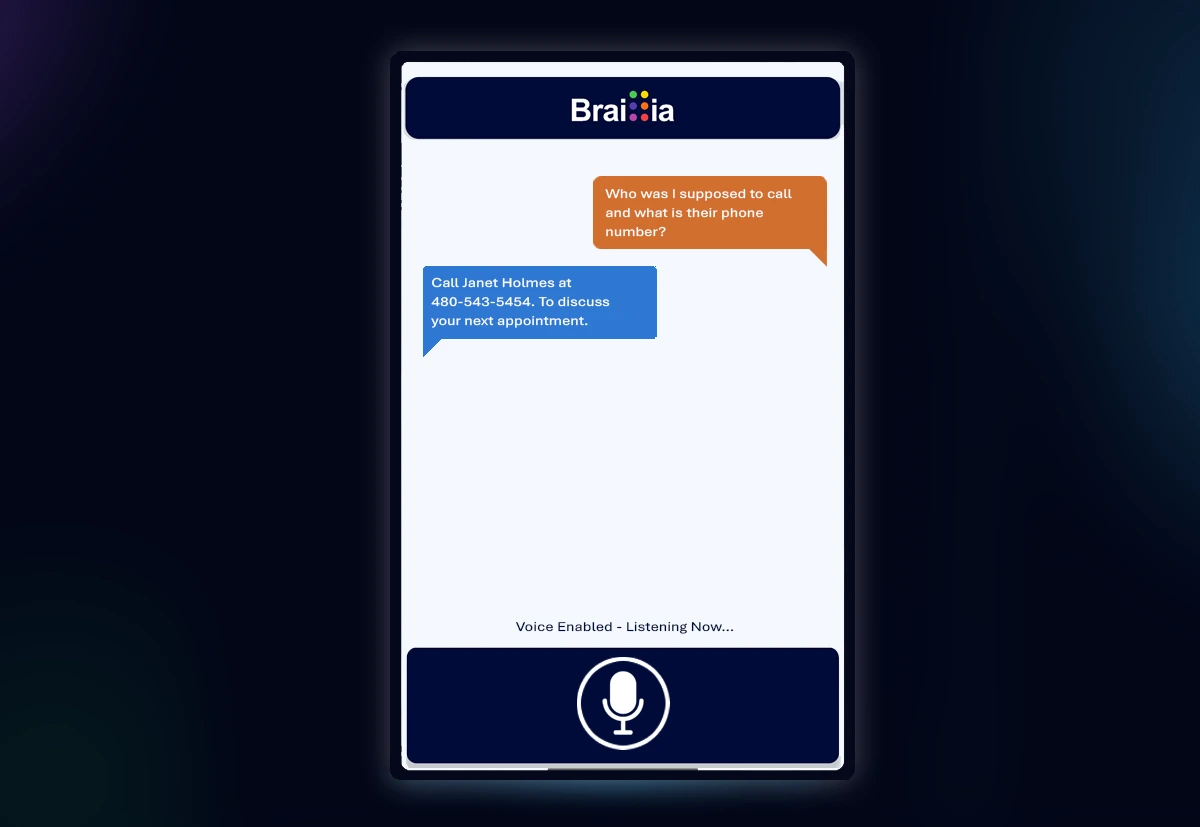
Yes. Ask Braillia supports questions about information contained in the document, helping people locate and understand details such as stated instructions, amounts, dates, and required next steps. Questions that require the organization’s judgment or professional advice should still be directed to the appropriate person.
Can documents be saved and accessed again?+
Saved document access is available through the supported Braillia user experience. Availability depends on the recipient’s account and the organization’s delivery settings. Connected recipients can also receive subsequent documents and organization messages through the ongoing delivery workflow.
Can we offer accessible files without requiring everyone to use the Portal?+
Yes. Organizations can provide accessible document outputs through their own website or other supported delivery paths. The Portal adds the Braillia EPUB Reader and Ask Braillia experience. It is not the only way to distribute an accessible document.
What happens when someone cannot use QR pickup?+
QR pickup is one access route, not the only one. Your organization can send a document-access link by SMS text message directly to the person’s phone, or provide a direct document link, website access, or an established direct-delivery path. Planning the workflow should include how staff help someone reach the document when scanning a QR code is not practical.