Accessible output formats
A public notice. An application. Instructions someone needs today. Sending the document is only the beginning. The person receiving it needs a way to find the important details, understand the information, and use it independently.
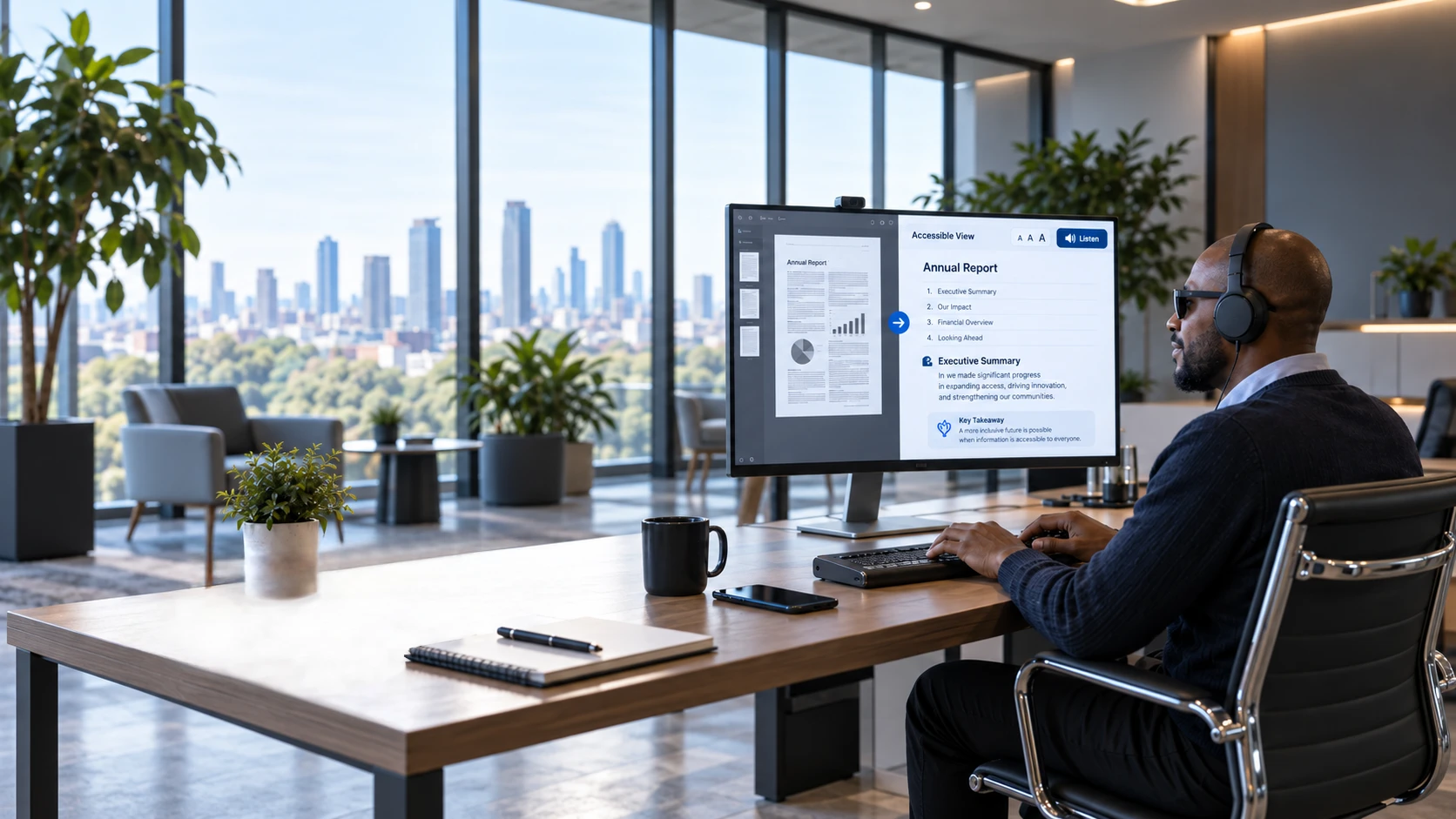
Braillia transforms your documents into accessible versions people can hear, enlarge, navigate, or read by touch. These formats provide different ways to access your information, helping you serve people with different needs and preferences.
For people with disabilities, receiving a document does not always mean being able to use it. A person may need adjustable text, clear structure, keyboard navigation, readable text alongside audio, or information they can hear or read by touch. An accessible format connects the information your organization provides with the way a person reads, understands, and interacts with it.
These formats are not simply alternative file types. They are essential tools for communication, understanding, and participation. They help people find a deadline, review an instruction, understand their options, and return to important details without depending on someone else to read the document for them.
Yet the format a person needs may not be available when they need it. For example, blind and low-vision readers may wait days or weeks for a version they can use, if they receive one at all. Other people may encounter barriers in document structure, presentation, or interaction. Delayed access can mean losing the opportunity to review information, ask questions, participate in the conversation, or take action.
People with disabilities should have an equal opportunity to access, understand, and act on information on demand, in real time.
Braillia brings accessible formats into the moment they are needed, helping organizations provide information on demand so people can explore it independently while the conversation—and the opportunity to act—is still open.
An EPUB is a digital document people open in a reading application. When prepared for accessibility and used with a compatible reader, it supports spoken content, adjustable text, and navigation between sections. People can find and revisit the information they need instead of working through the entire document from the beginning.
The DAISY ConsortiumeBraille provides digital Braille for compatible reading systems and Braille displays. These devices create raised dots beneath a person’s fingertips, allowing them to read the words by touch. The format also supports navigation between headings and other document elements, giving Braille readers more control over how they explore information.
The DAISY ConsortiumDAISY provides structured talking documents that people can explore using a compatible application or player. Instead of searching through one continuous recording, they can move between sections and, where included, marked pages. This makes it easier to locate a particular instruction or return to an important detail.
The DAISY ConsortiumTXT provides the document’s words in a plain-text file without complex visual formatting. It offers a straightforward option for simpler content, which people can use with compatible text-reading or speech software.
W3CHTML presents the information as a web page. A responsive layout adjusts to the screen and accommodates enlarged text, while accessible headings, links, and controls support screen-reader and keyboard navigation. People can explore the information directly in their browser.
W3CBraillia takes the experience further. Inside the Braillia Portal, people can hear and navigate documents with the Braillia EPUB Reader, ask questions about their information with Ask Braillia, and complete forms through guided assistance.
The goal is more than a different file. It’s information people can explore, understand, and act on independently.